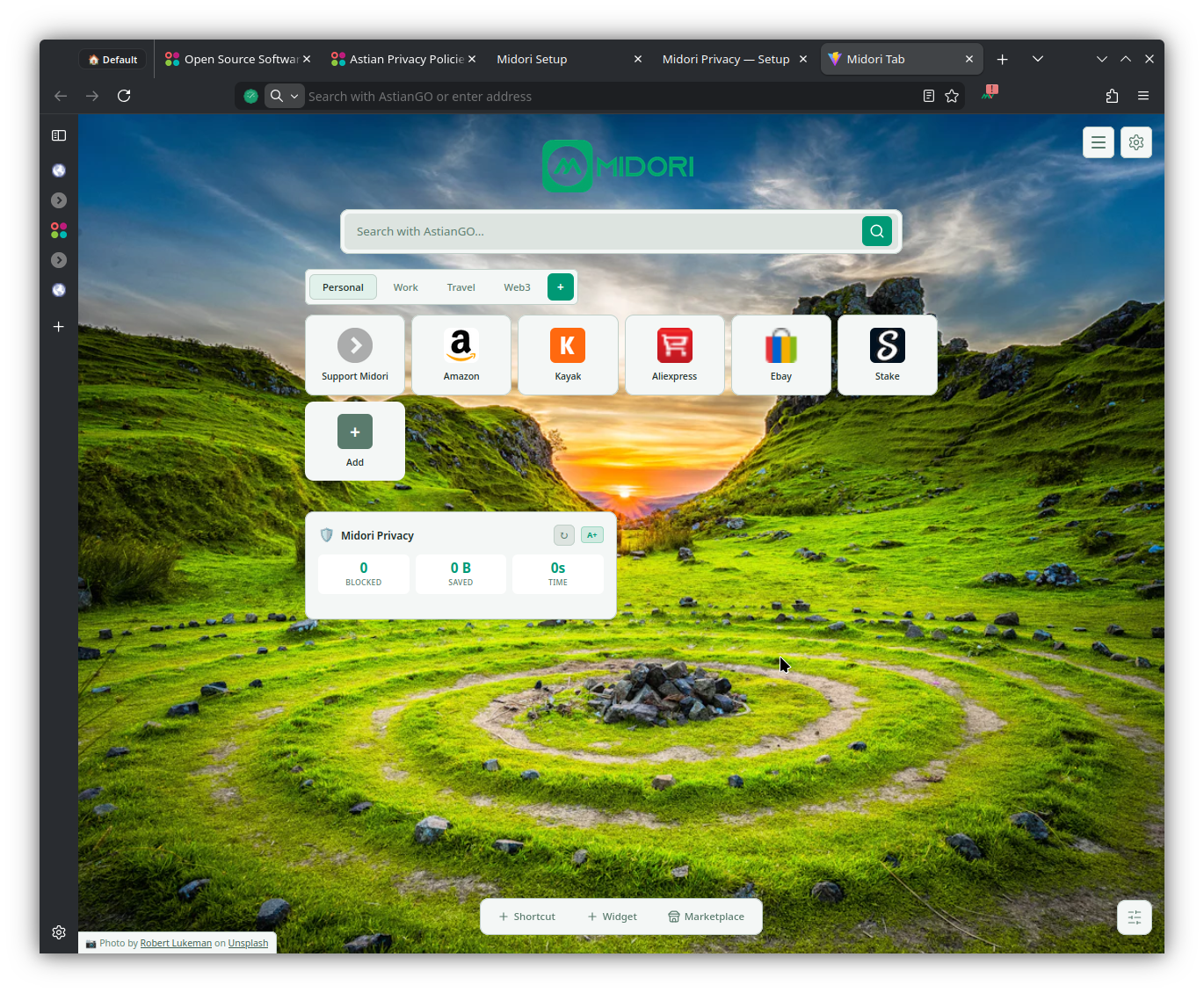
The browser that puts your privacy first.
Free, open source, and telemetry-free. No account. No strings attached.
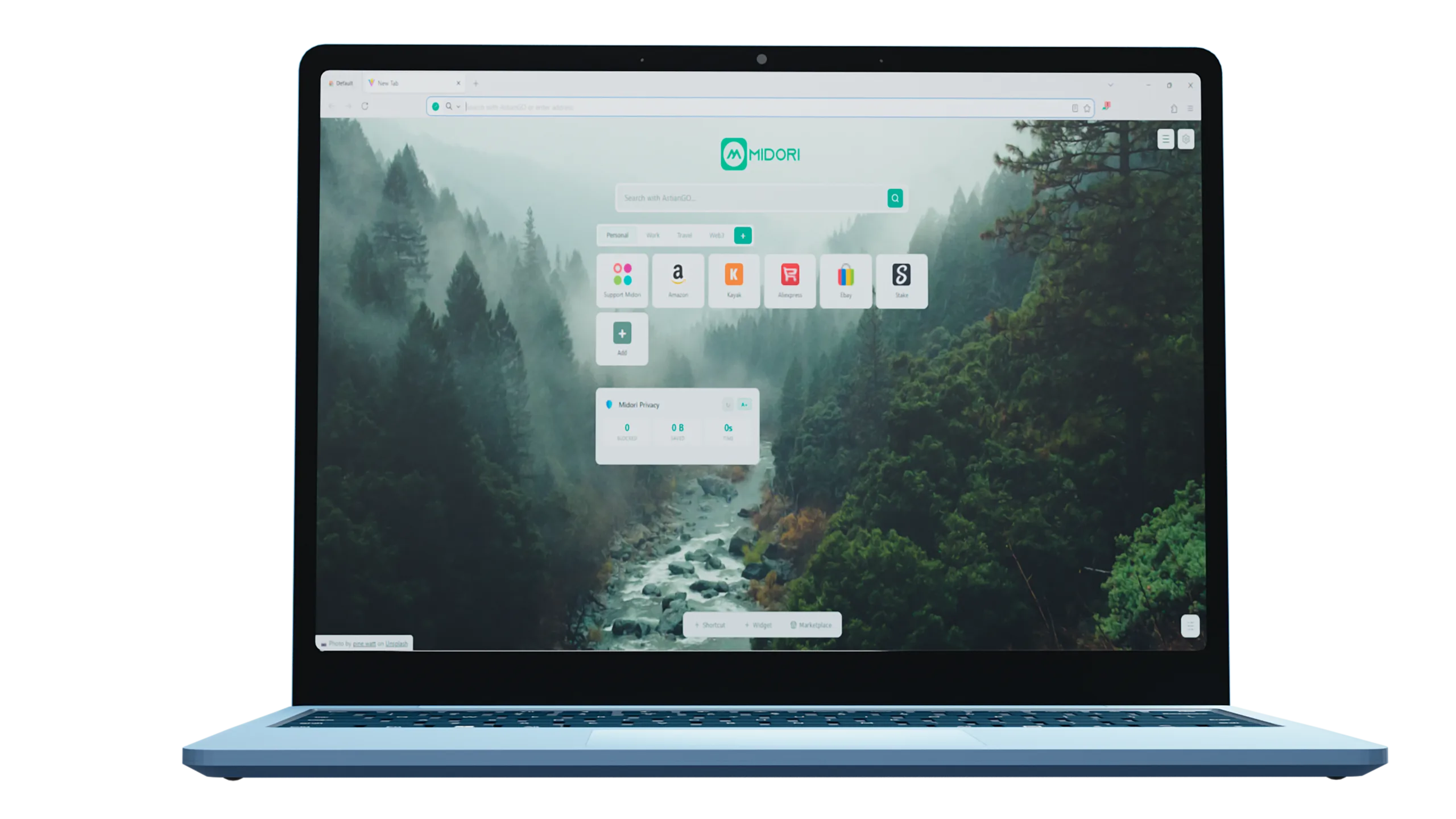
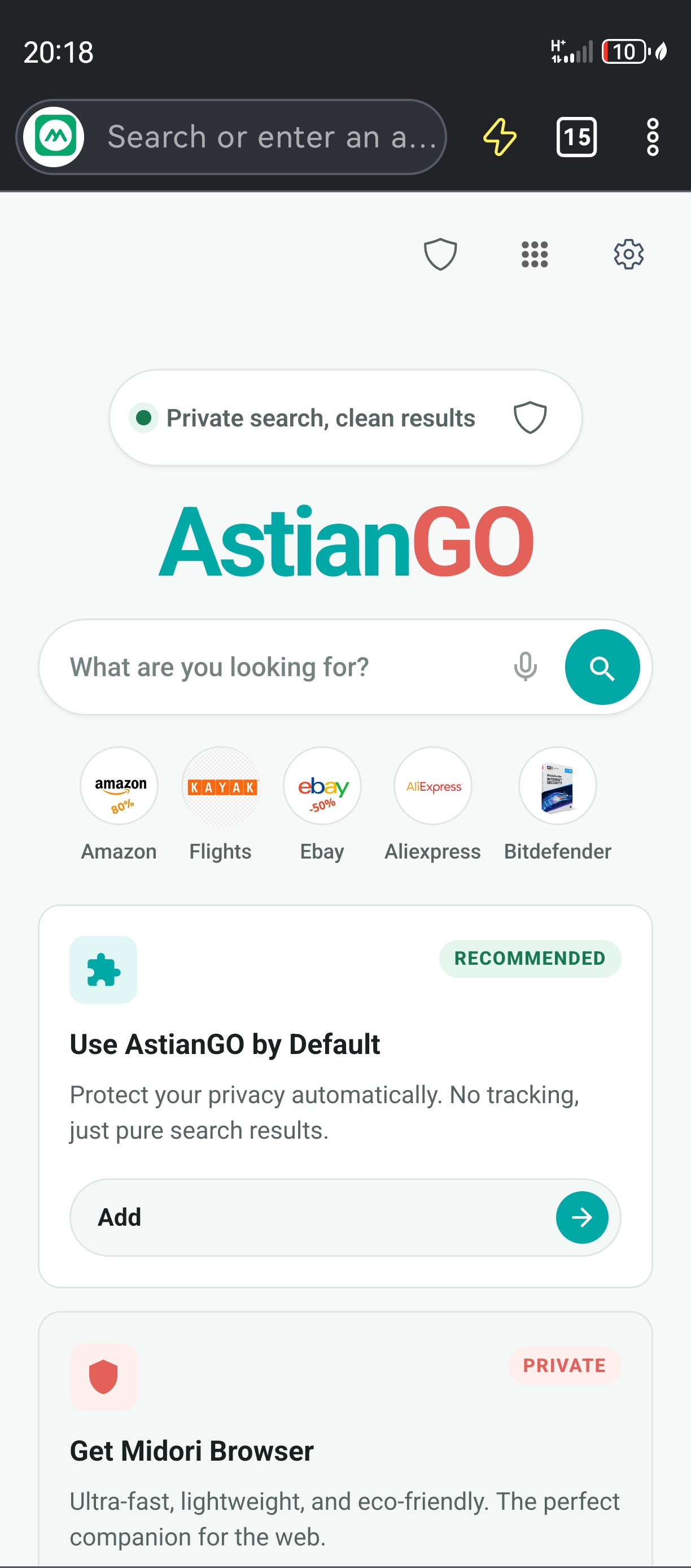
Midori Browser for
mobile devices
Take the fastest browser wherever you go. A fast, free, and secure version of Midori is available for your smartphone, with a built-in smart blocker to save data and battery life.
- Built-in smart blocker
- One-click sync
- Up to 35% battery savings
- Isolated private containers
A browser designed to protect you, not to monitor you.
trackers
Privacy from the very first click
Midori automatically blocks trackers, ads, and malicious scripts — no extensions or manual setup needed. Privacy isn't an optional add-on; it's built directly into the browser engine, active on every tab you open.
Open source, verifiable by anyone
All of Midori's code is public on GitHub. Any developer can audit exactly what the browser does with your data — you don't have to take our word for it.
less battery consumed
Real performance
Blocking content before it downloads reduces RAM, bandwidth, and battery consumption. Pages load faster and the system responds better.
No account, no sign-up, no trace
Installing Midori doesn't require creating an account, verifying an email, or accepting policies that hand over your data. No Astian server records when you installed the browser, what sites you visit, or how often you use it.
Everything you need to know before downloading.
Yes, completely. Midori is open-source software licensed under MPL-2.0, which means it can never become a paid or freemium product. There is no premium plan, subscription, or locked feature. The browser is free by design, not as an acquisition strategy — and the license guarantees it legally.
The main difference is that Midori collects no telemetry or usage data. Chrome constantly sends information to Google's servers; Firefox, while more privacy-friendly, includes telemetry enabled by default. Midori never built those mechanisms. Additionally, the tracker and ad blocker is native — it doesn't rely on third-party extensions or cloud-updated lists.
No. Midori has no servers that receive browsing data, history, or user identity. There is no telemetry system, not even an optional one. You can verify this claim directly by reviewing the source code on GitHub — the entire codebase is public and auditable by anyone.
Sí. Los APKs publicados en el repositorio oficial de GitHub están firmados por el equipo de Astian y corresponden exactamente al mismo código que se publica en Google Play. Si prefieres evitar la tienda por razones de privacidad, el Direct APK es la opción recomendada. Puedes comparar los hashes SHA-256 de cada release para verificar la integridad del archivo.
Yes. During installation, Midori offers to automatically import bookmarks, history, and passwords from Chrome, Firefox, Edge, and other Chromium-based browsers. You can also do it manually at any time from the settings menu. The process requires no cloud sync or external credentials.