Midori Browser · Privacidad por defecto
Un navegador que olvida, a propósito.
Midori no tiene telemetría, ni fingerprinting, ni conexiones ocultas — no es opt-out. Es el comportamiento por defecto, en cada plataforma, cada versión.
Código abierto · MPL-2.0 · Sin cuenta requerida
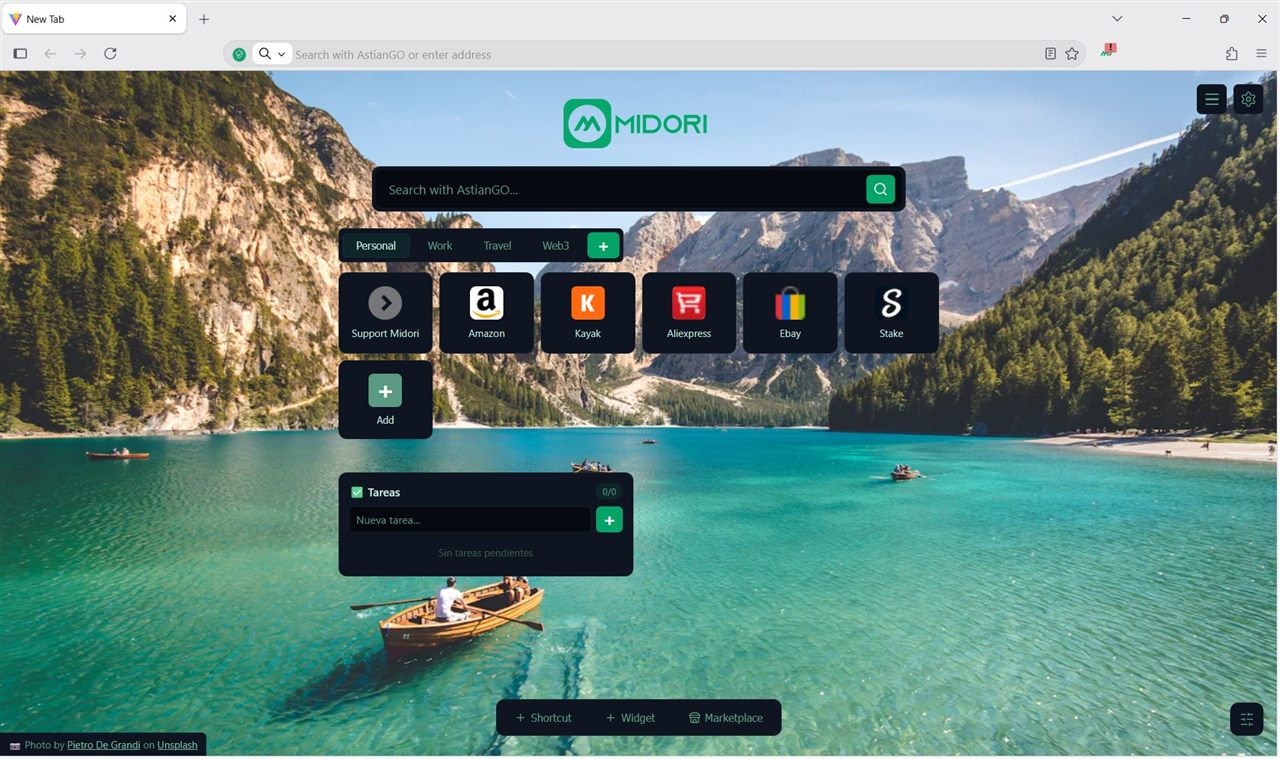
La privacidad sin transparencia es solo una promesa. Publicamos todo.
Privacidad
Not opt-out. The default.
Midori ships with zero telemetry at the architecture level — not as a setting buried in preferences. There is no toggle because the option was never built. Every version, every platform, every day.
Ver el código →// No telemetry. No exceptions.
export const telemetry = {
enabled: false,
canBeEnabled: false,
canBeRequested: false, // not negotiable
}Protección integrada
Trackers blocked before they load.
The ad and tracker blocker is integrated into the engine — not an extension you install after. It acts on outgoing requests before they leave the device. Ad Blocking, Anti-Tracking, Never-Consent and IA Shield — all on by default.
Ver en GitHub →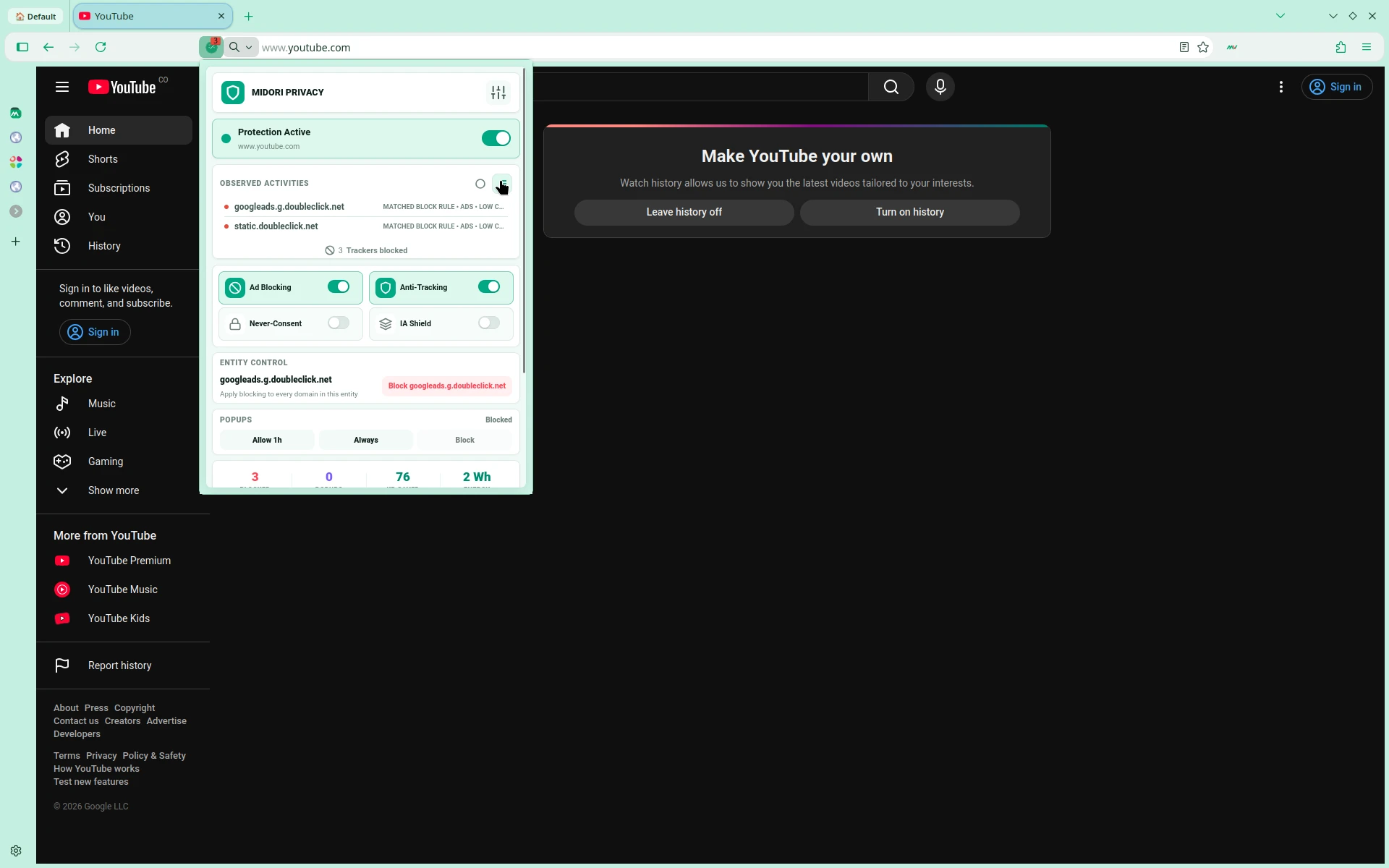
AstianGO
Search without being searched.
Midori comes with AstianGO as the default search engine — a private search engine that doesn't track your queries, build a profile, or sell your data. Search freely, every time.
Prueba AstianGO →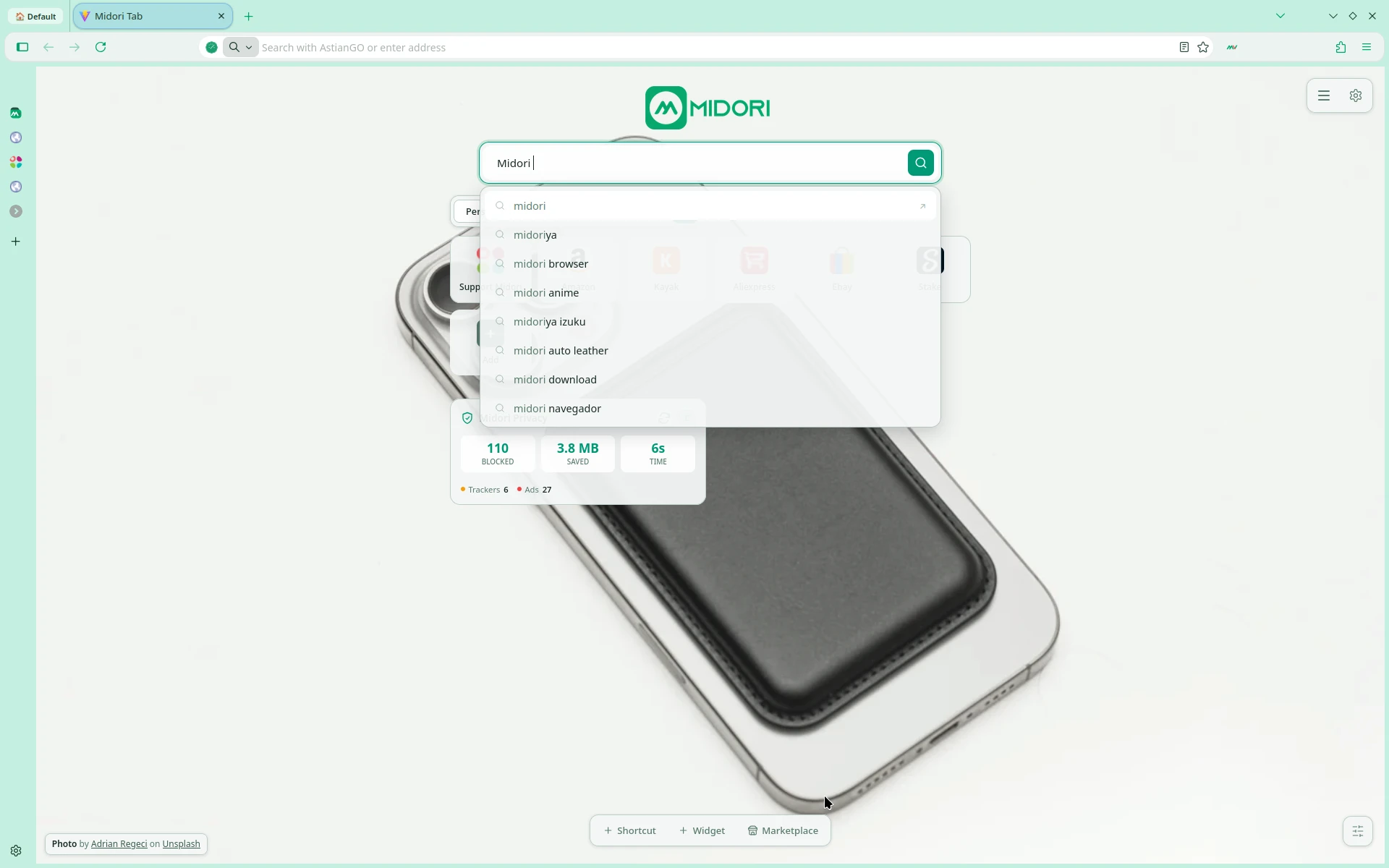
Midori VPN
Built-in VPN. Connect privately.
Midori includes MidoriVPN directly in the browser. No extensions or external apps needed — activate your VPN with one click from the side panel and choose your server.
Sobre MidoriVPN →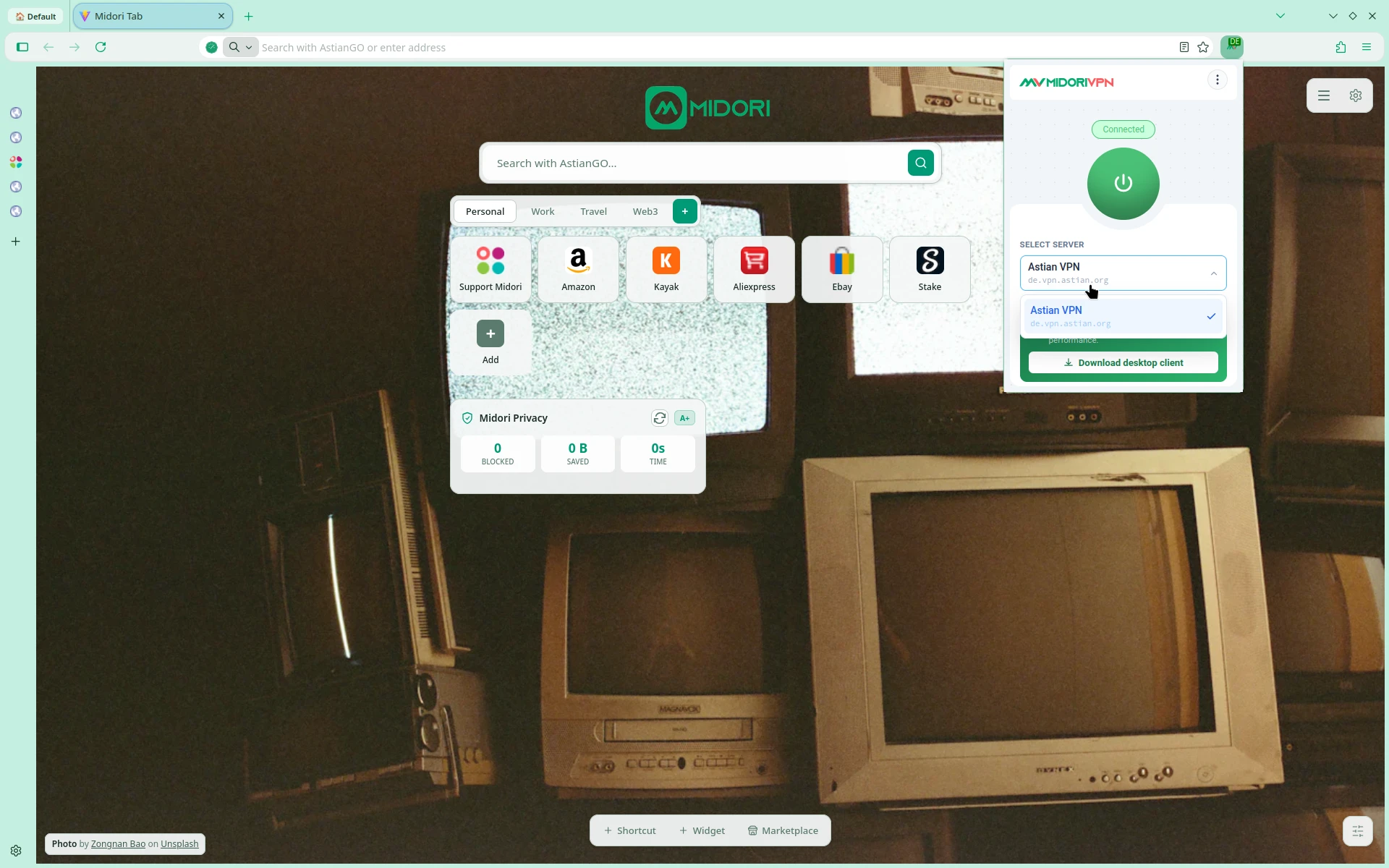
Midori Center
Your browser, your way.
Midori Center centralizes all browser settings: tab appearance, sidebar, workspaces, keyboard shortcuts, and Privacy & VPN toggles — all in a clean, focused panel.
Explorar Midori Center →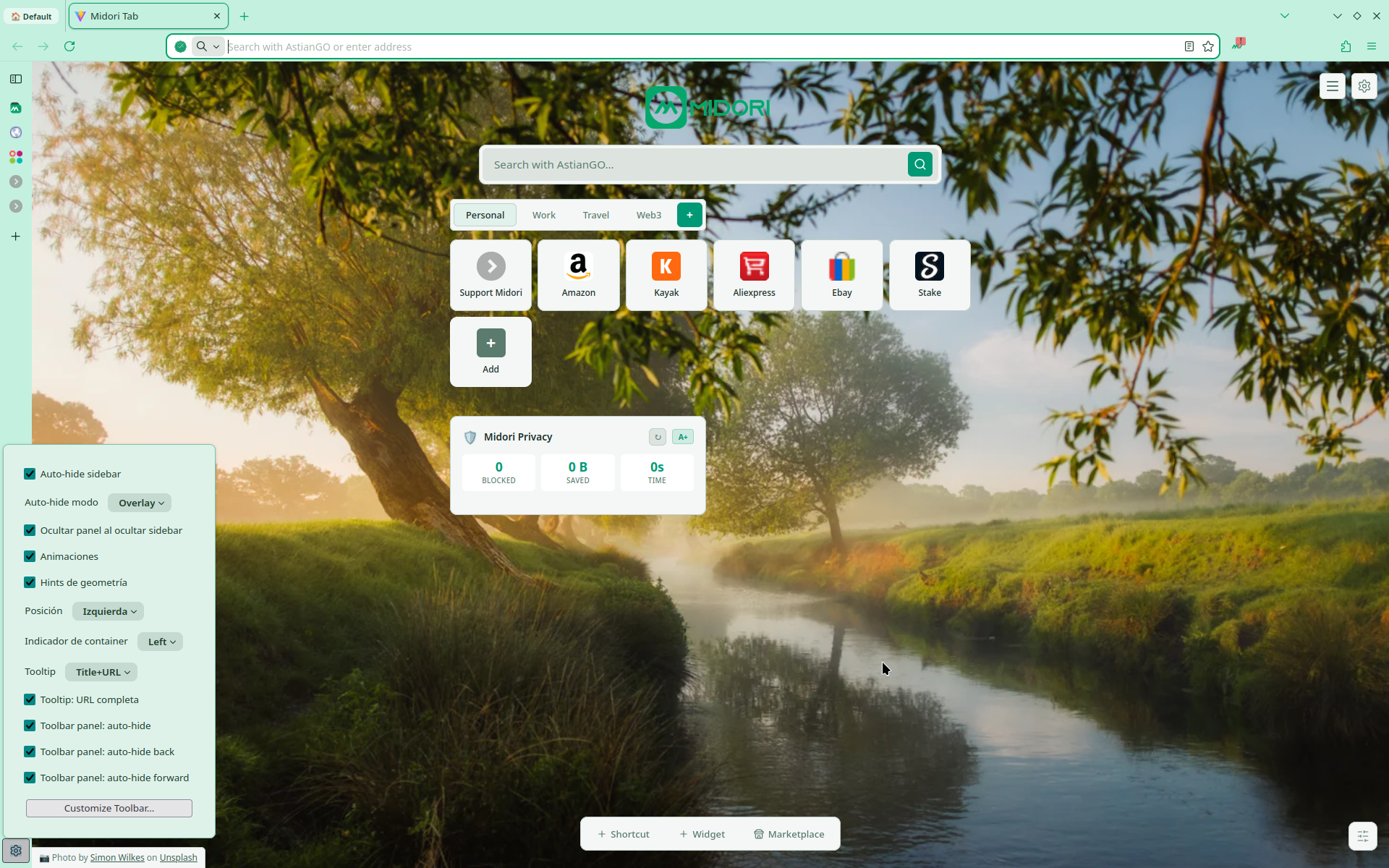
Tu navegador debería servirte a ti.
No al revés.
Tres principios
Cero excepciones.
Cero telemetría by default.
Not a setting you find in preferences. Not an opt-out buried in the menu. The default — from day one, on every platform.
No account required.
Usa Midori sin registrar nada. Sin email. Sin perfil. Sin registro en servidor.
Open audit, always.
Every line of Midori is public. Read the code, verify the claims, fork the project. Trust via proof — not promises.
Open Source
Código abierto as philosophy, not as marketing.
Every line of Midori is readable, forkable, and improvable. You should not have to trust us — you can verify everything yourself.
Ver en GitHub// No telemetry. No exceptions.
const telemetry = {
enabled: false,
canBeEnabled: false,
}Cómo nos comparamos