Midori Browser · Privacy by default
A browser that forgets, on purpose.
Midori ships with no telemetry, no fingerprinting, no phone-home defaults — not opt-out. The default, on every platform, every version.
Open source · MPL-2.0 · No account required
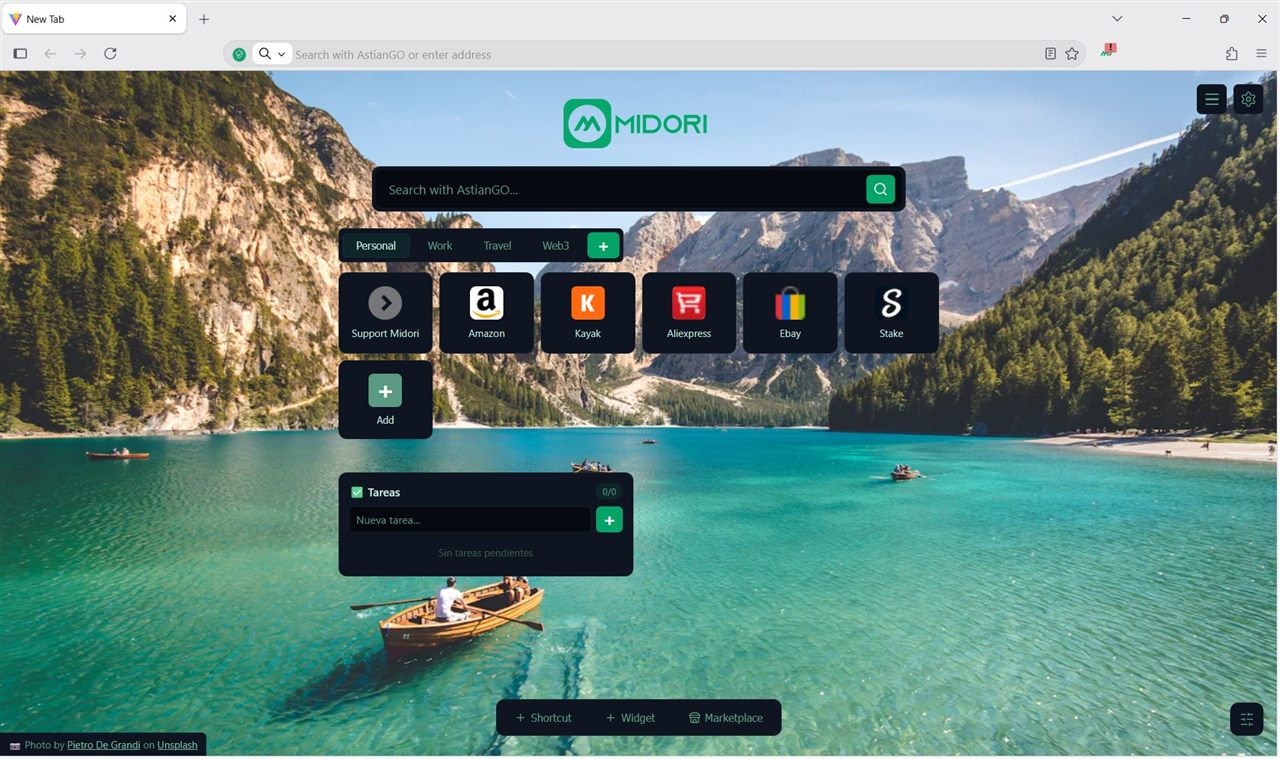
Privacy without accountability is just a promise. We publish everything.
Privacy
Not opt-out. The default.
Midori ships with zero telemetry at the architecture level — not as a setting buried in preferences. There is no toggle because the option was never built. Every version, every platform, every day.
Read the source →// No telemetry. No exceptions.
export const telemetry = {
enabled: false,
canBeEnabled: false,
canBeRequested: false, // not negotiable
}Built-in protection
Trackers blocked before they load.
The ad and tracker blocker is integrated into the engine — not an extension you install after. It acts on outgoing requests before they leave the device. Ad Blocking, Anti-Tracking, Never-Consent and IA Shield — all on by default.
See on GitHub →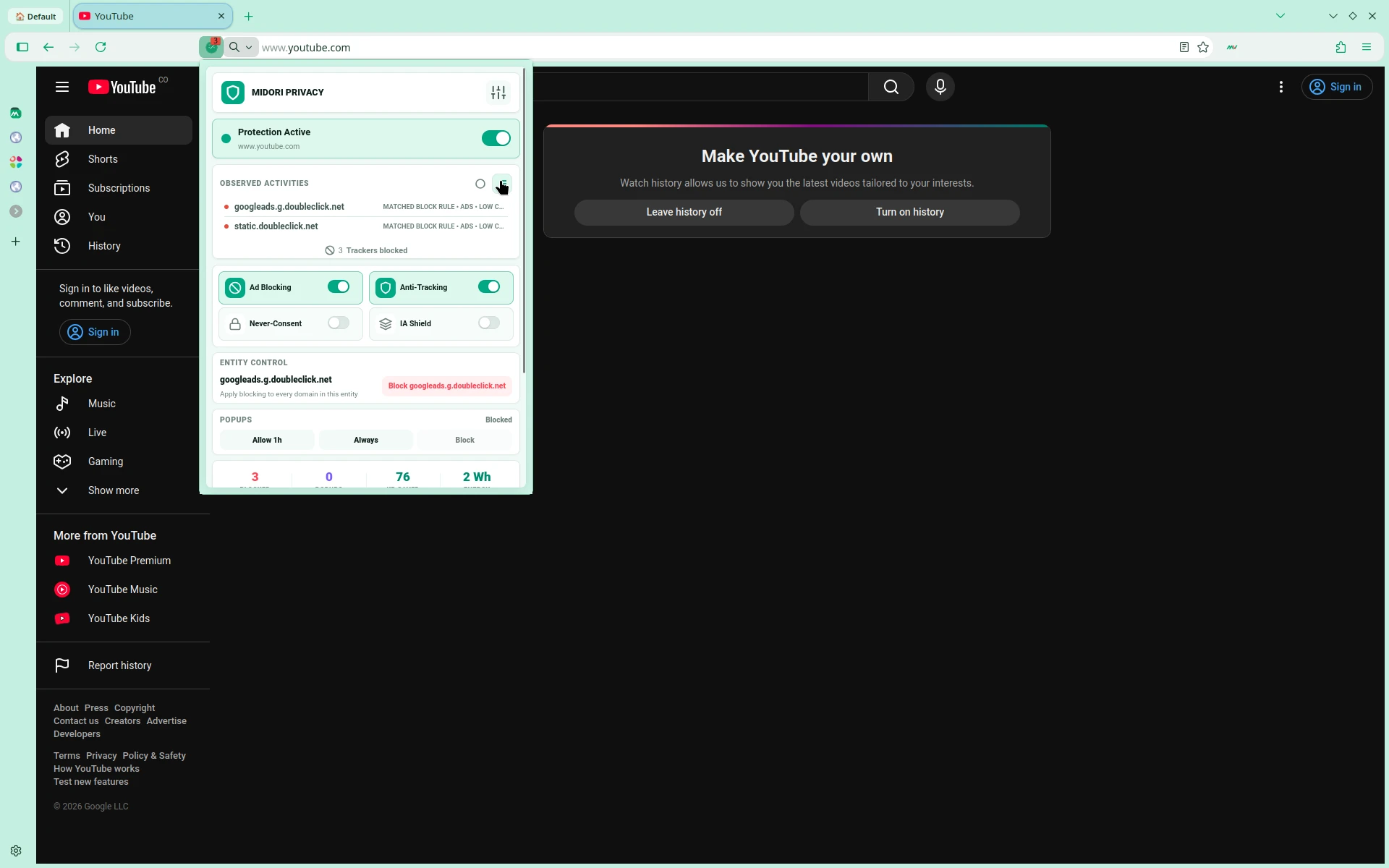
AstianGO
Search without being searched.
Midori comes with AstianGO as the default search engine — a private search engine that doesn't track your queries, build a profile, or sell your data. Search freely, every time.
Try AstianGO →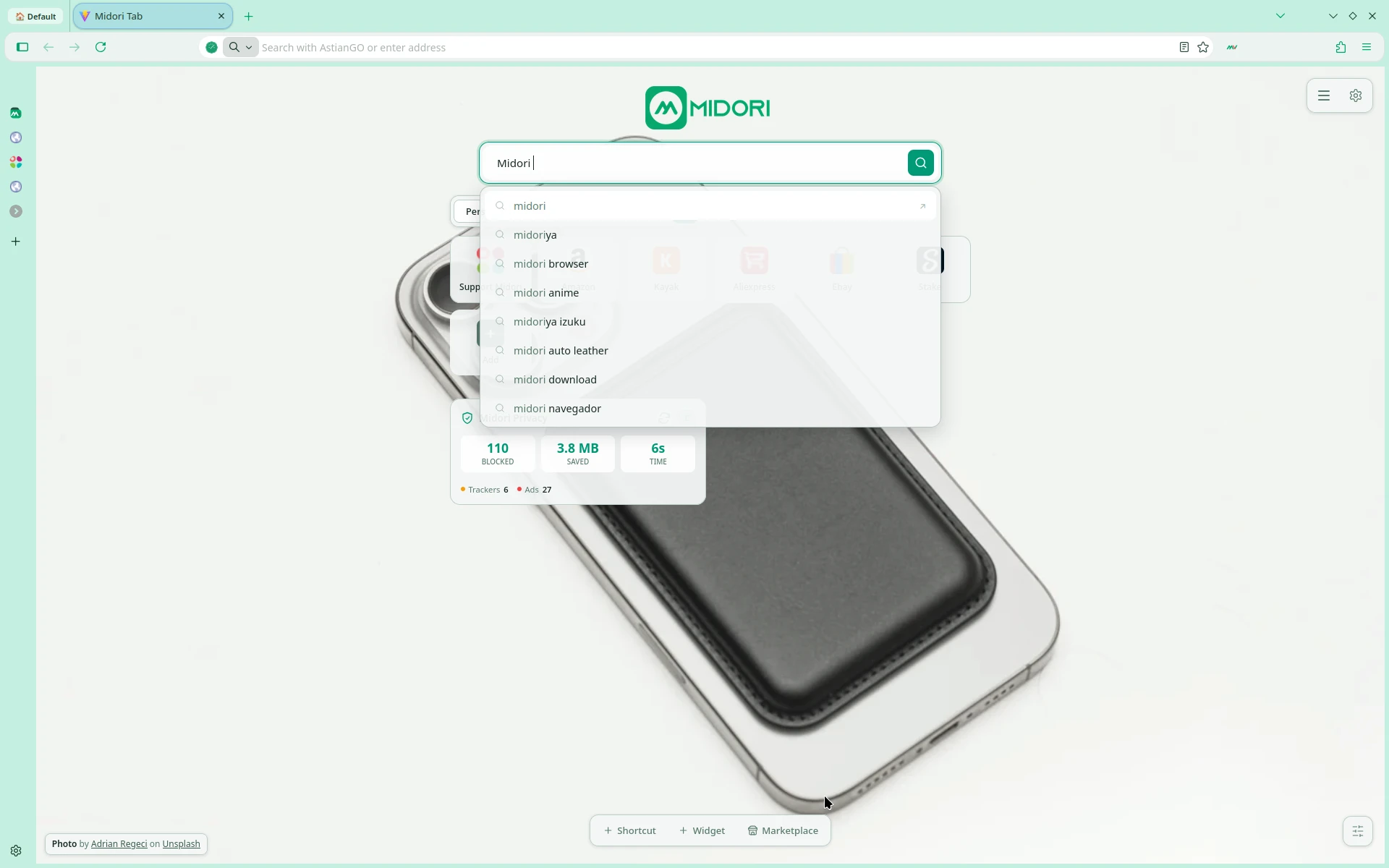
Midori VPN
Built-in VPN. Connect privately.
Midori includes MidoriVPN directly in the browser. No extensions or external apps needed — activate your VPN with one click from the side panel and choose your server.
About MidoriVPN →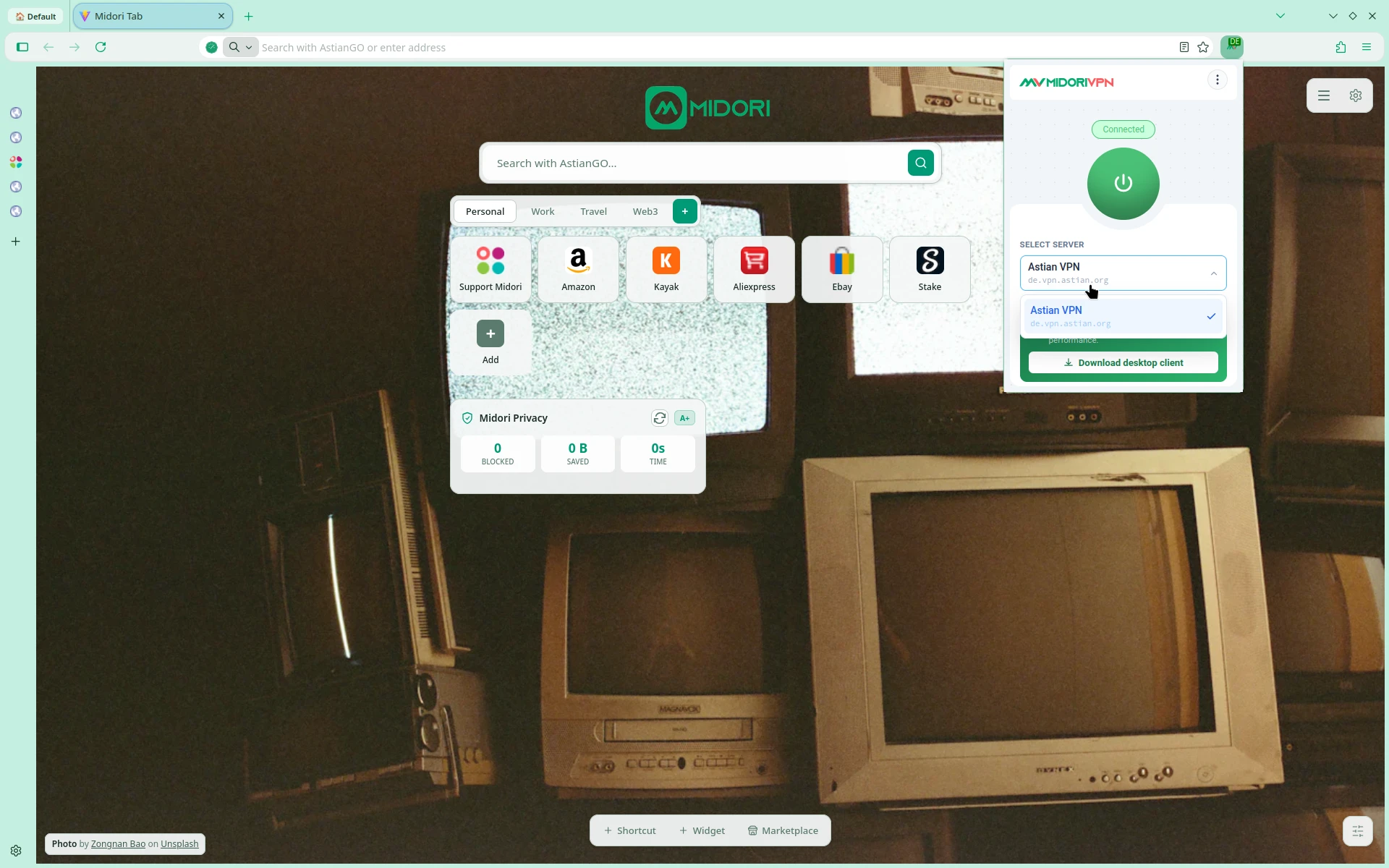
Midori Center
Your browser, your way.
Midori Center centralizes all browser settings: tab appearance, sidebar, workspaces, keyboard shortcuts, and Privacy & VPN toggles — all in a clean, focused panel.
Explore Midori Center →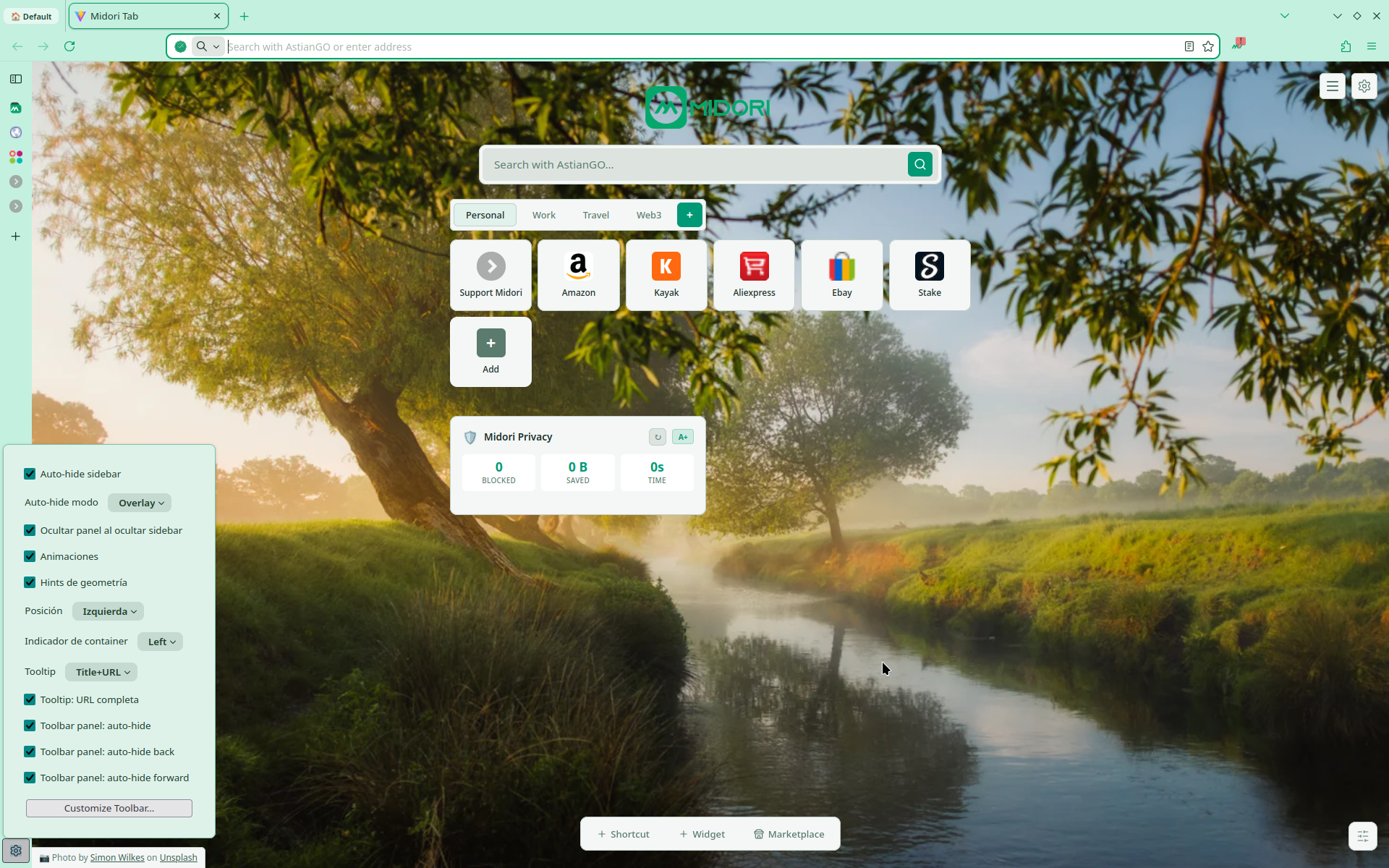
Your browser should serve you.
Not the other way around.
Three principles
Zero exceptions.
Zero telemetry by default.
Not a setting you find in preferences. Not an opt-out buried in the menu. The default — from day one, on every platform.
No account required.
Use Midori without registering anything. No email. No profile. No server-side record that you ever visited.
Open audit, always.
Every line of Midori is public. Read the code, verify the claims, fork the project. Trust via proof — not promises.
Open Source
Open source as philosophy, not as marketing.
Every line of Midori is readable, forkable, and improvable. You should not have to trust us — you can verify everything yourself.
View on GitHub// No telemetry. No exceptions.
const telemetry = {
enabled: false,
canBeEnabled: false,
}How we compare