The browser is the new operating system; it has become an indispensable tool. That’s why we’ve updated and improved Midori to be the tool you need, the tool that adapts to you, not the other way around.
Midori 11.6.4 is an update that fixes bugs and gives users the tools to personalize, streamline, and improve their web experience without sacrificing performance or high resource consumption. It also improves and makes energy consumption more efficient. We invite you to try it and read this article to learn more.
Midori New Tab
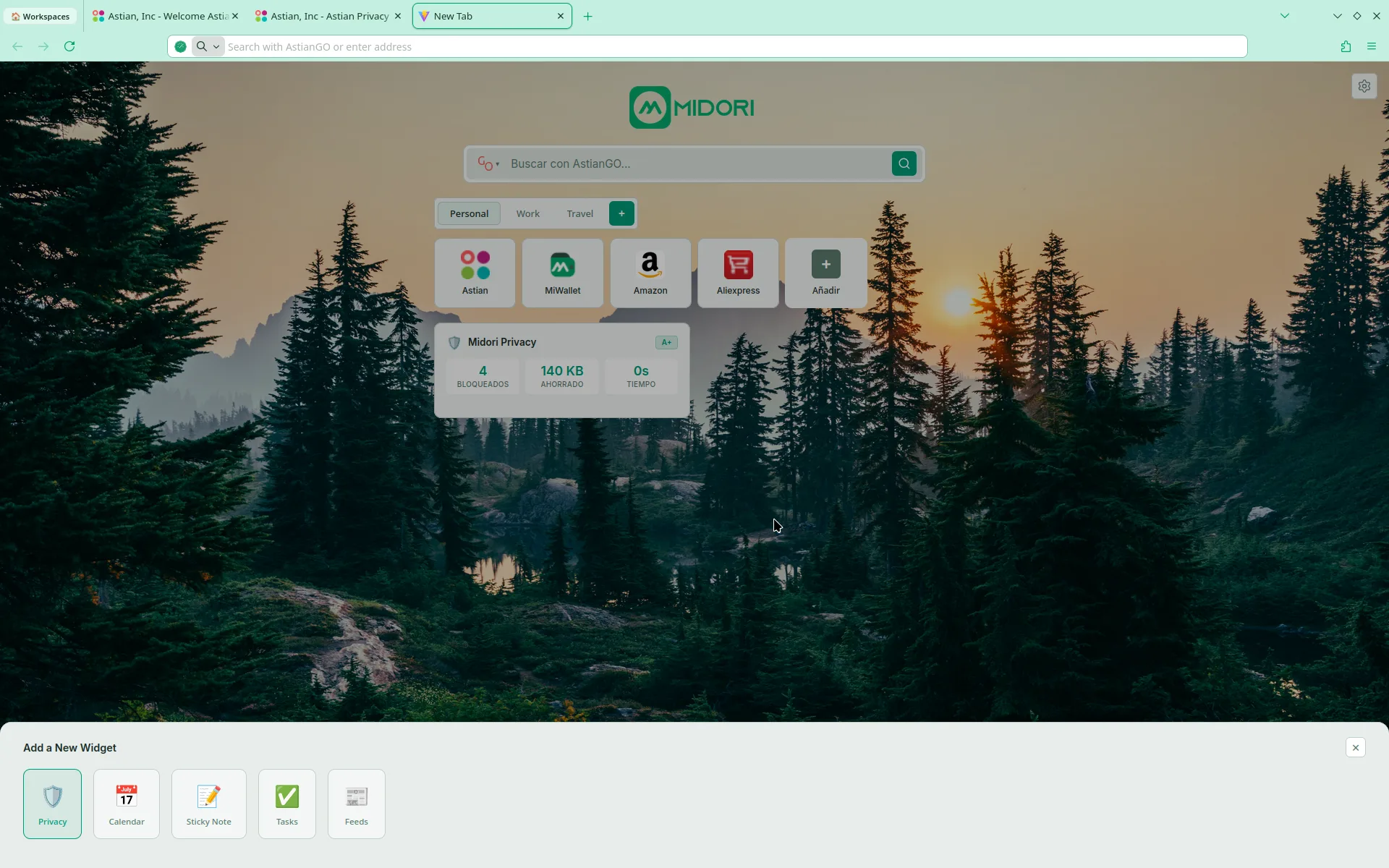
The new tab is a very important space for users, which is why we’ve implemented a more powerful New Tab with more customization options, with workspaces featuring smart markers, and divided by purpose.
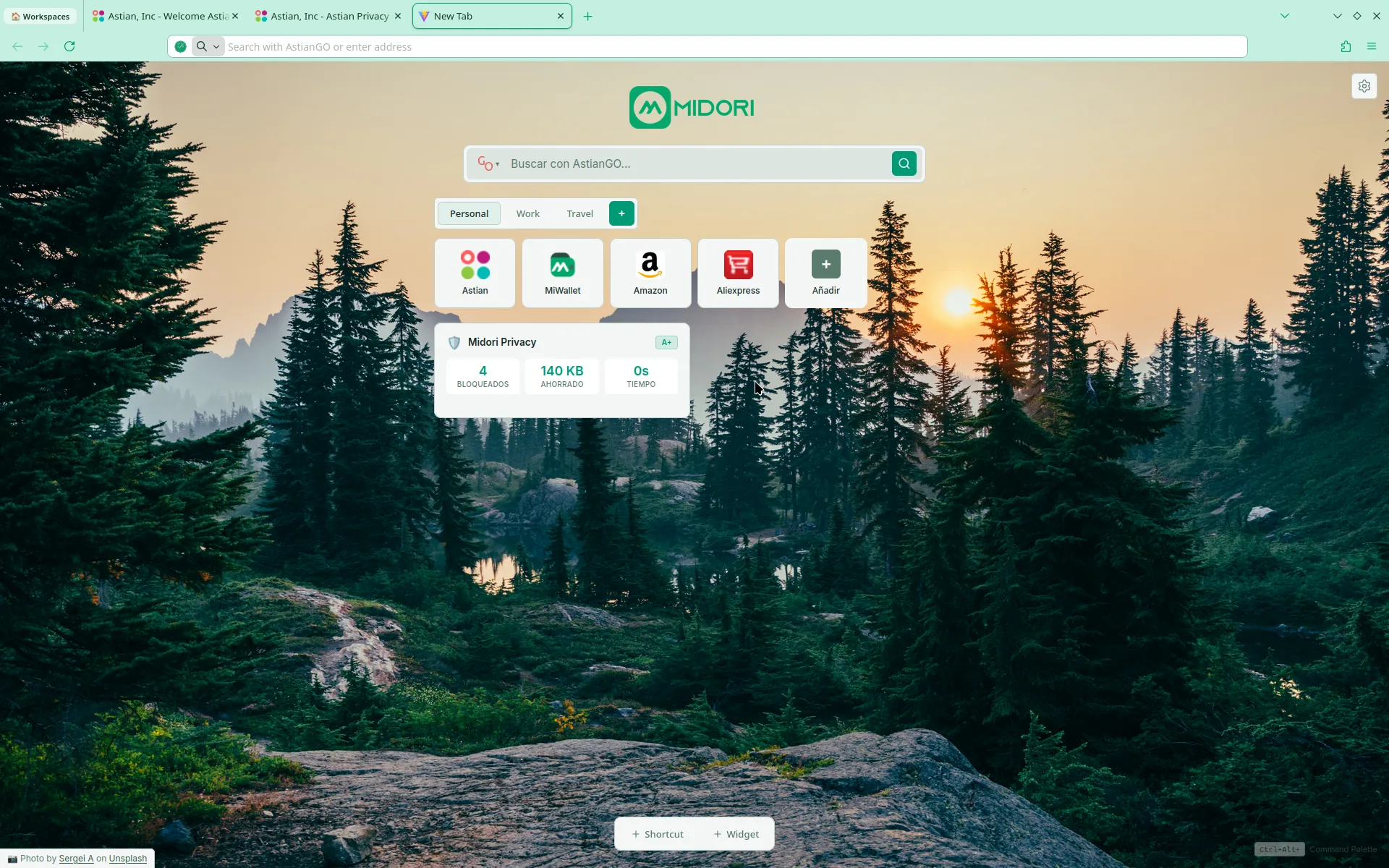
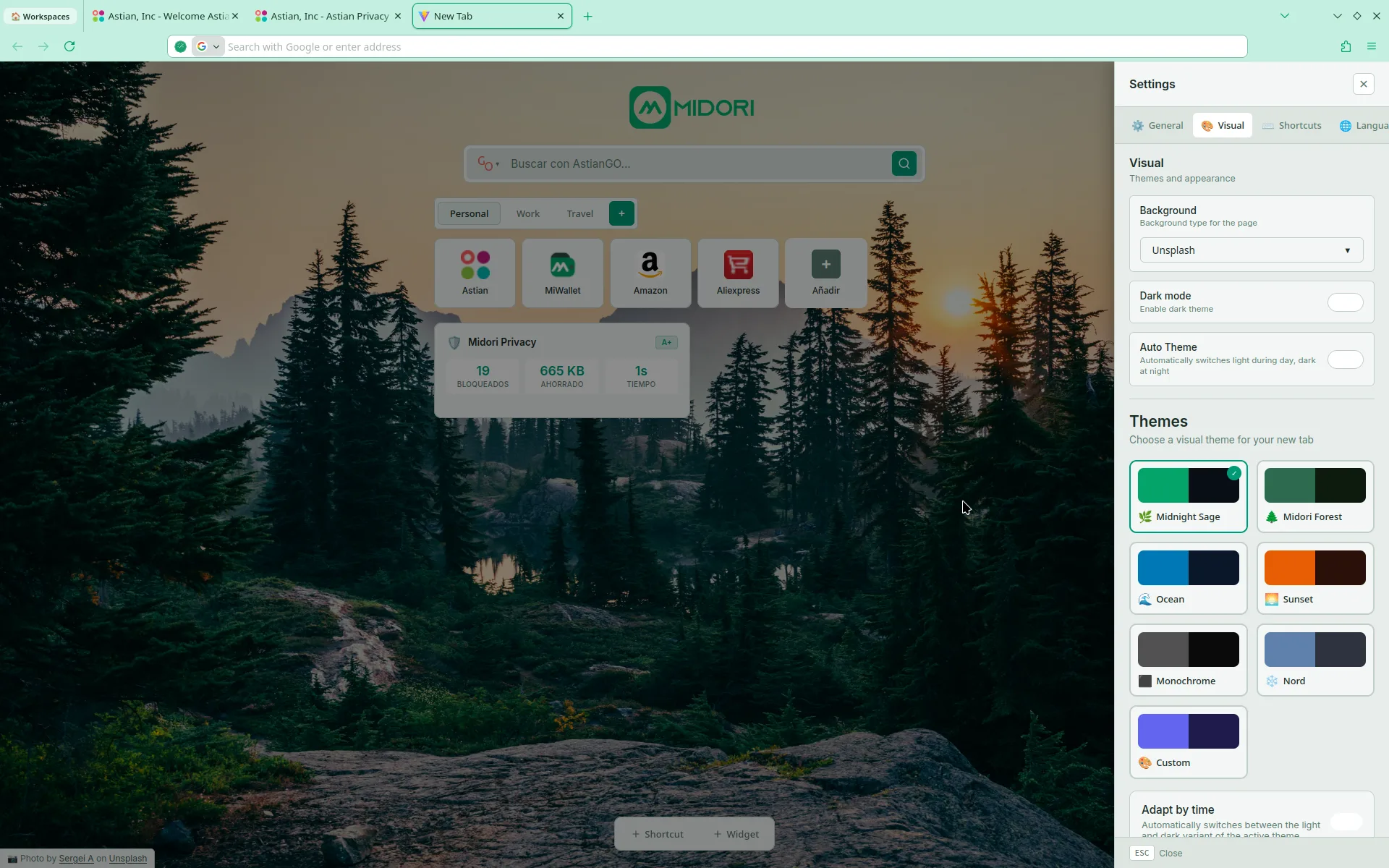
Users have the ability to customize and add their own bookmarks, workspaces, and tabs, as well as customize the widgets, Users have the ability to customize and add their own bookmarks, workspaces, and tabs, as well as customize widgets and the appearance of the New Tab.
Tor Browsing
We have significantly improved browsing using the Tor network, We have considerably improved browsing using the Tor network; there is now a more effective level of anonymity, since security measures have been applied to cookies and digital fingerprints, and a new identity is no longer necessary because the identity is renewed and changes position every X amount of time.
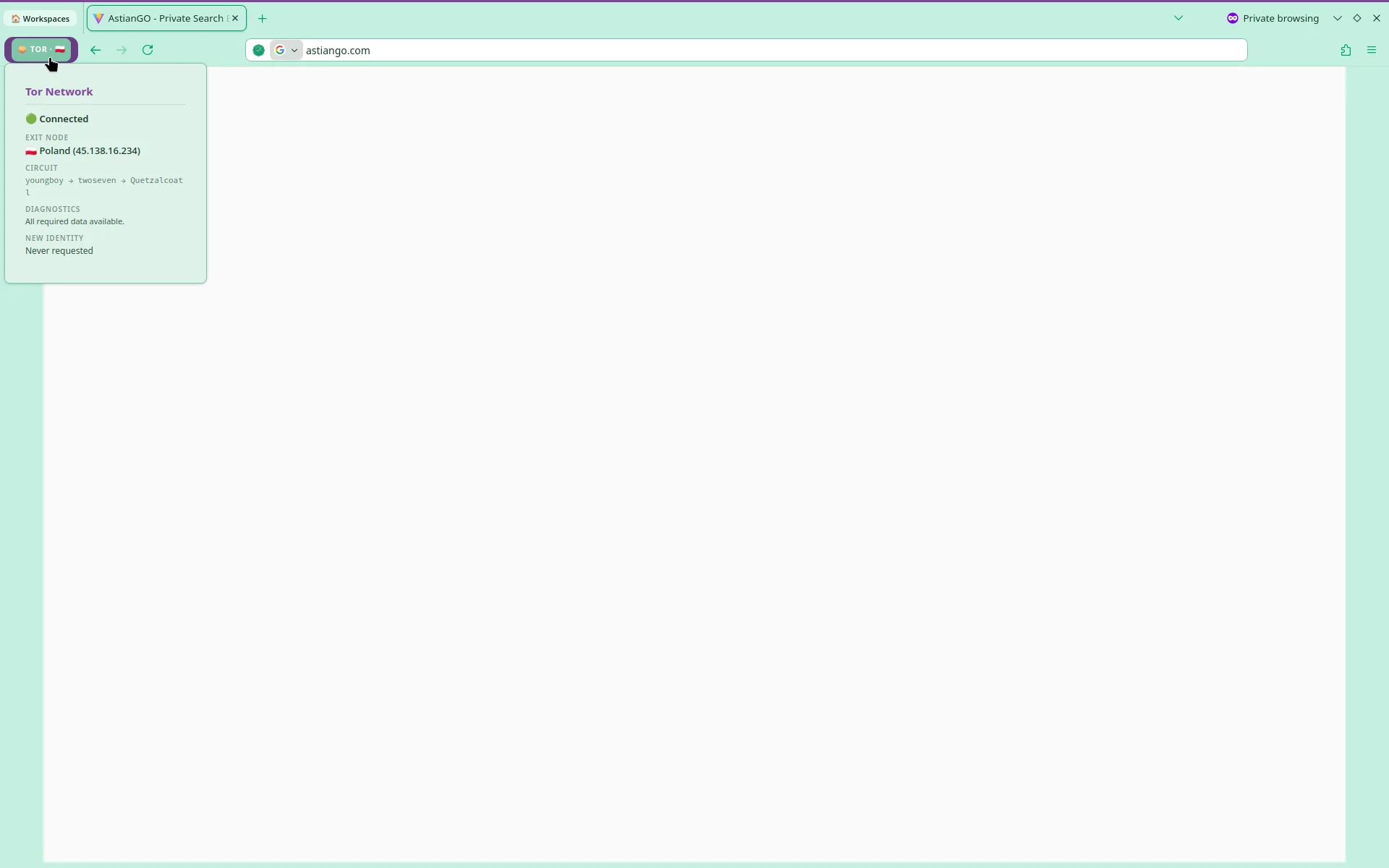
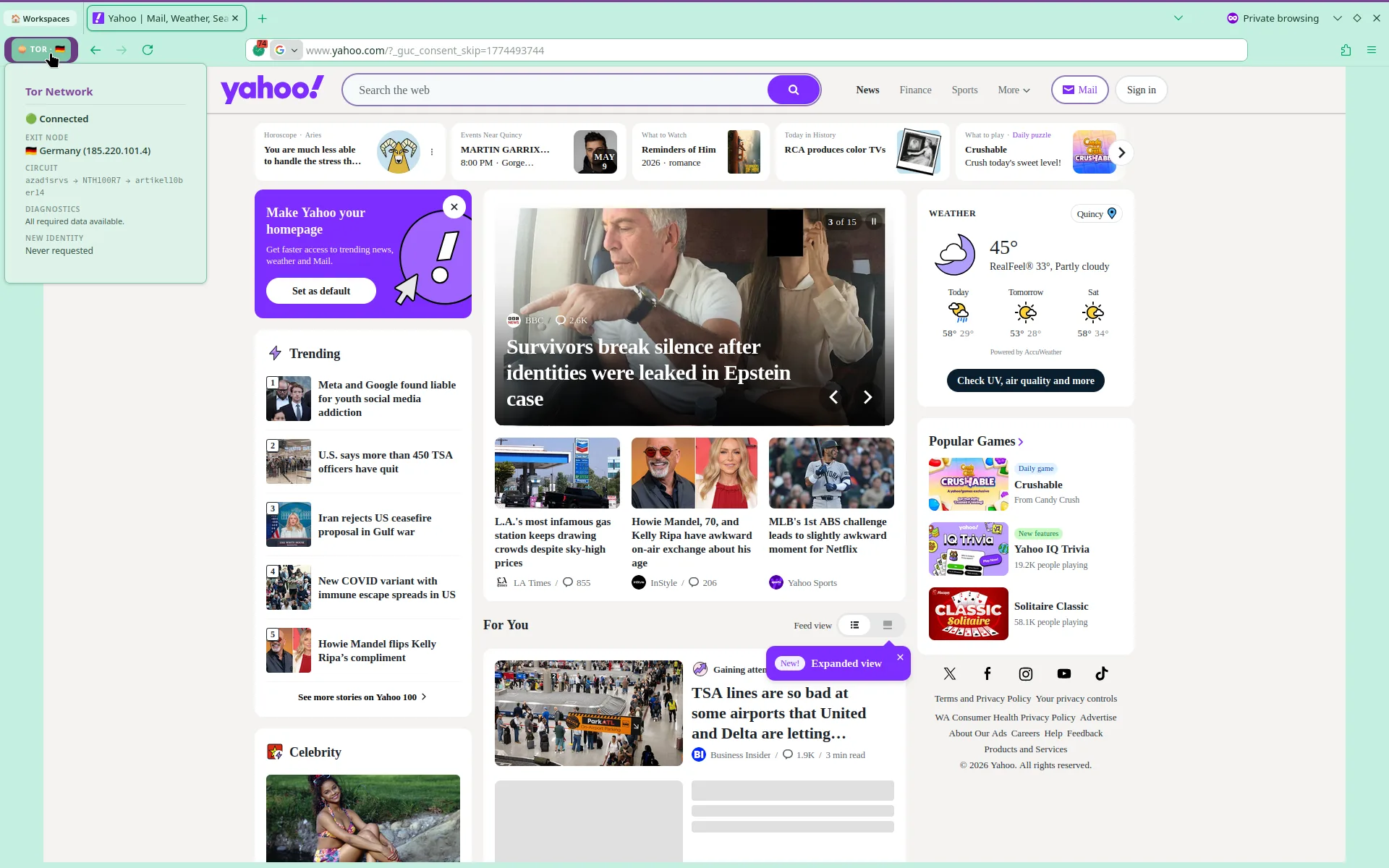
Please note that this feature is still under development and may contain errors. We encourage users to join our community to help resolve any issues, Please note that this feature is still under development and may contain bugs. We encourage users to join our community to help resolve any issues. This addition does impact performance, but the adjustments we’ve made compensate for this. Tor browsing is always active, even in the background, and only activates when you click “New Tor Windows.”
Midori Center – Midori preferred center
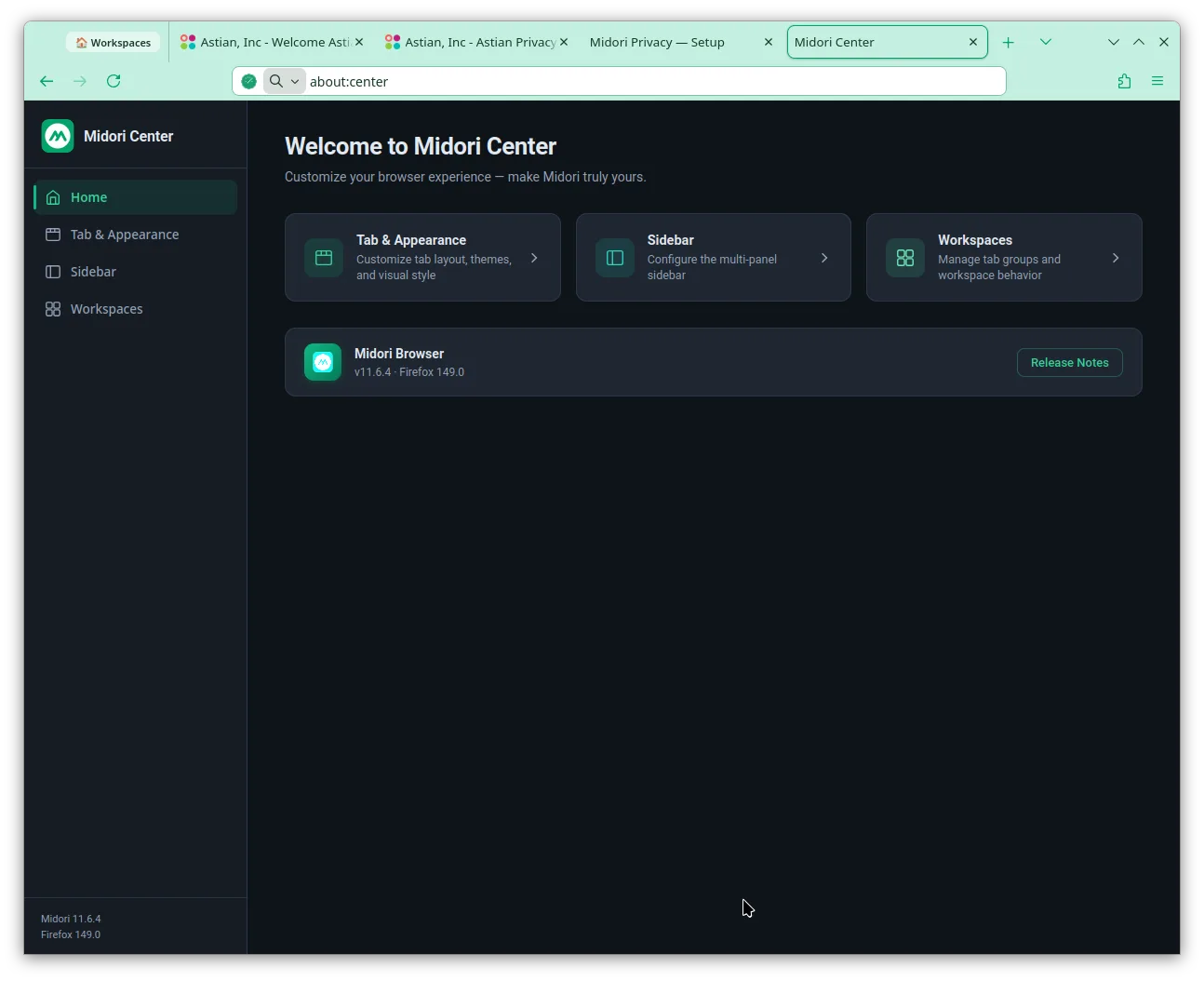
This is a central preference center for all Midori options. It’s still under development, and many more options are missing, but we need to take this step, and little by little, all Midori customization options will be included. We appreciate your patience and any feedback you can give us to continue improving.
There are two ways to access this preference center: typing in the URLBar about:center, Typing about:center in the URLbar is the most direct way. Then type, press Enter, and you’ll see something like this:
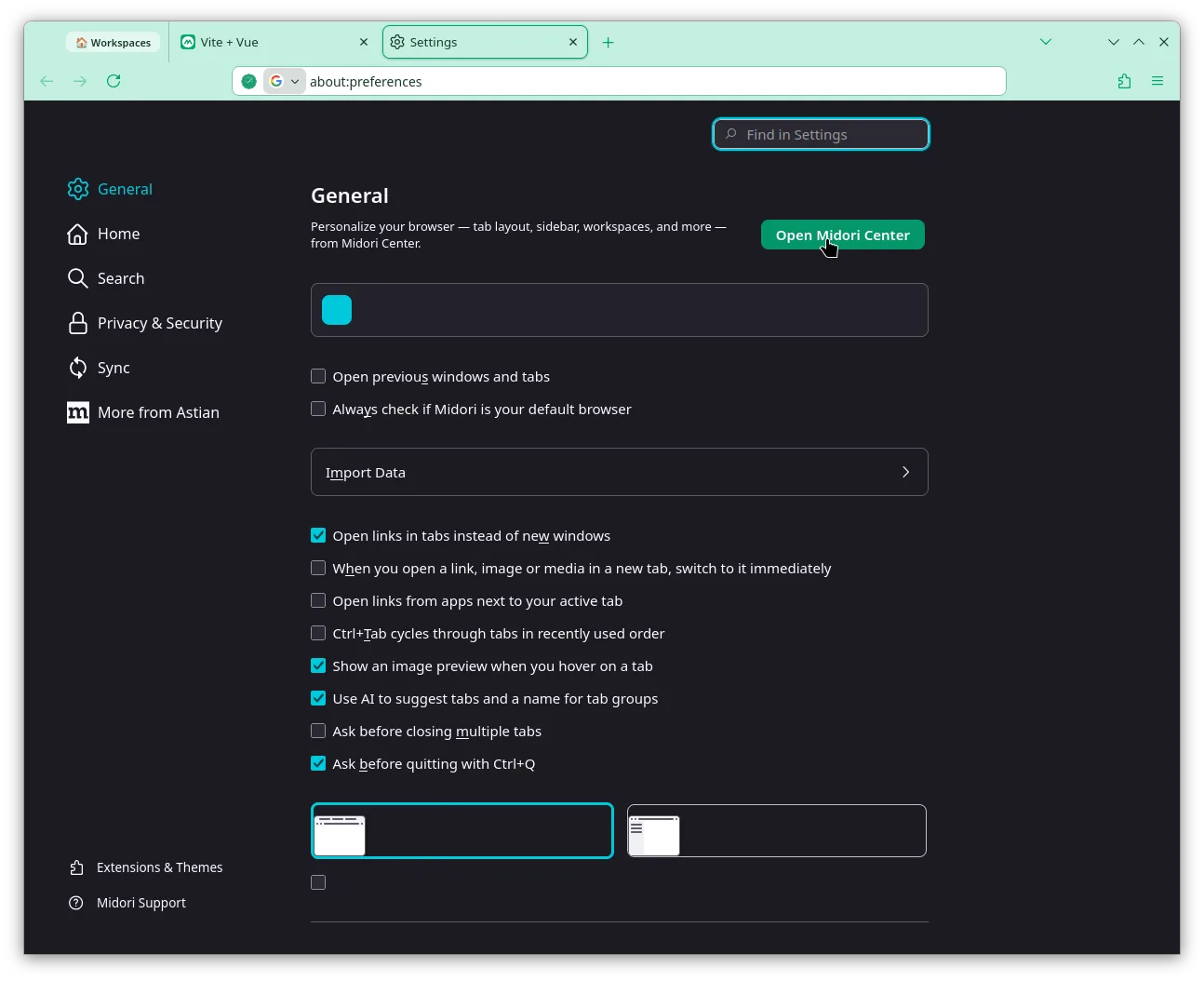
The other option is by going to Menu->Settings and then you click on the green button that says Open Midori Center
Midori Privacy
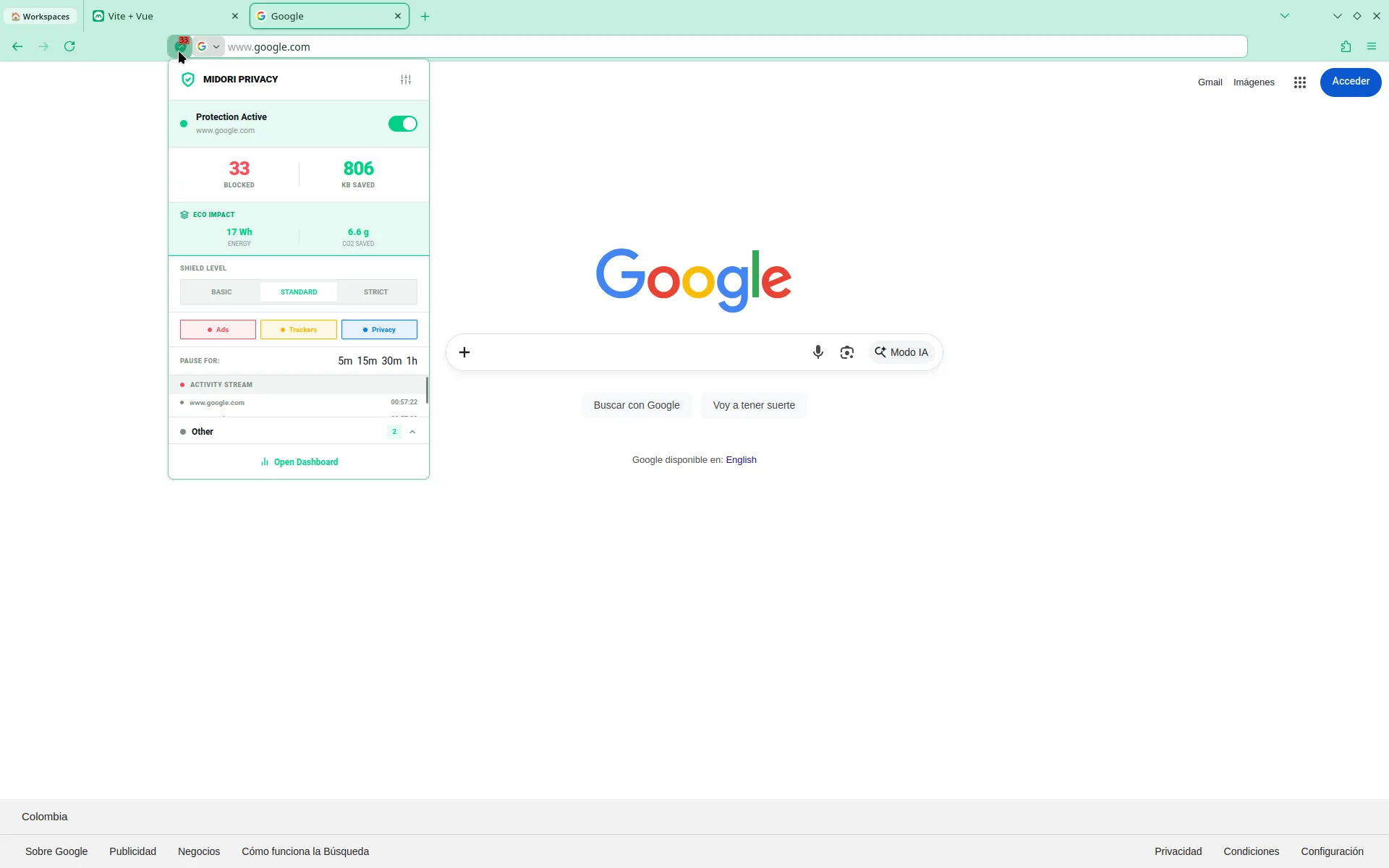
As you can see, Midori has a strong focus on privacy and anonymity, which is why we’ve integrated a powerful open-source ad blocker called Midori Privacy Protect. Midori Privacy has many unique features:
- Protection levels: basic, standard, and advanced.
- Ability to pause the blocker for individual sites.
- a dashboard to find out which sites and trackers are the most frequent.
- The ecological impact of web browsing.
- Customization of block lists, constant list updates as well as manual updates, and much more.
There are many more surprises, however we invite users to discover them and give us their feedback in a space we have opened in our Astian Community to report and help us continue improving Midori as well as all our products.