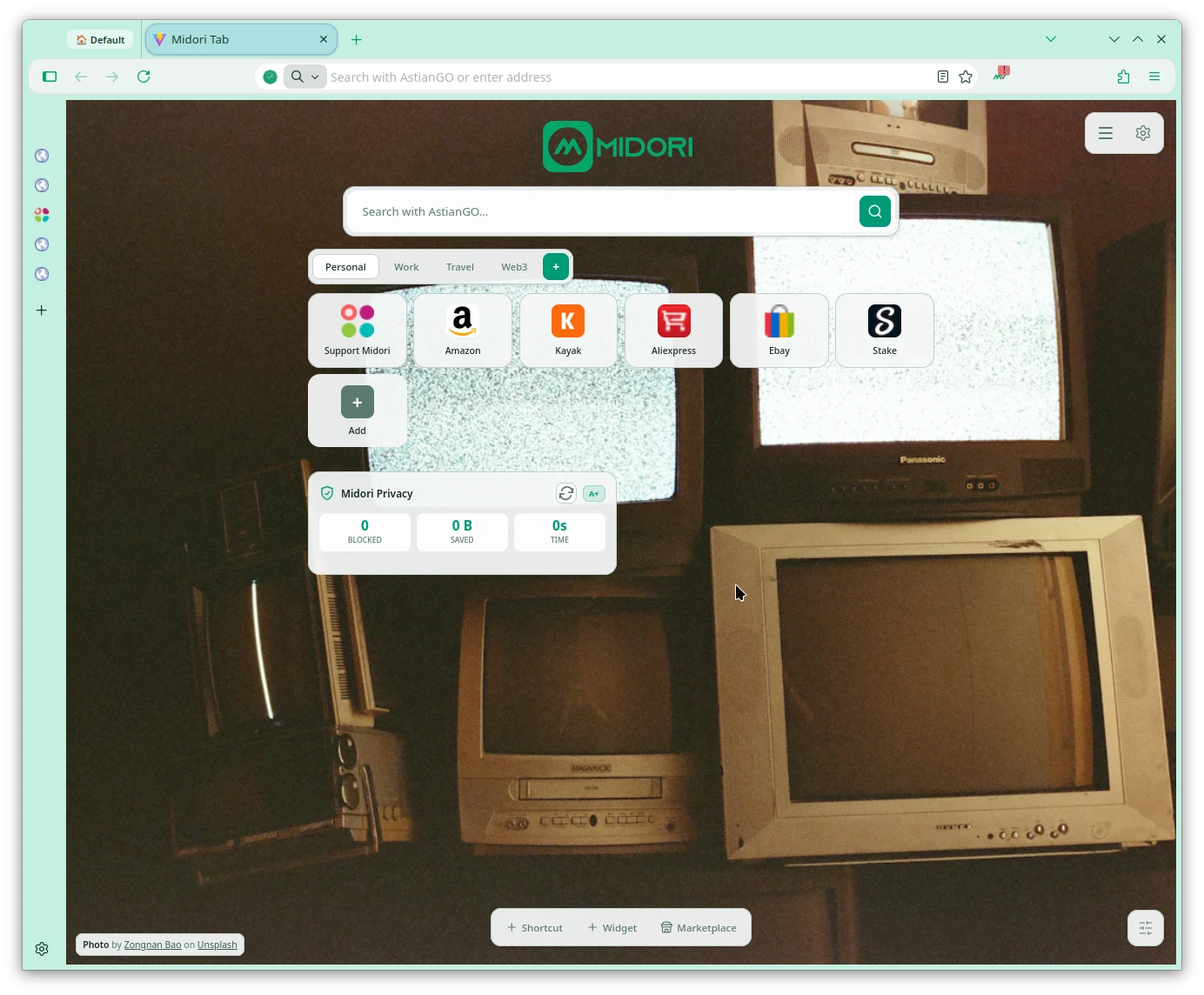
This Midori 11.8.1 update includes a new look, improvements not only visually but also in stability, improvements to the ad blocker, VPN, improvements to the New Tab, and performance improvements.
Update cycle since Midori Browser 11.8.1
From this update onwards, the Midori Browser update cycle changes so that only two versions will be released monthly, meaning one every two weeks. This will guarantee more regular stability in update releases.
Since Midori Browser is based on Gecko/Firefox, this project releases bug fixes and minor versions before a major version, for example, 151.0 major version and 151.0.3 minor versions, then waiting for the release of the Gecko/Firefox minor version in order to have time to develop the other components of Midori.
Midori Browser 11.8.1 VPN improvements
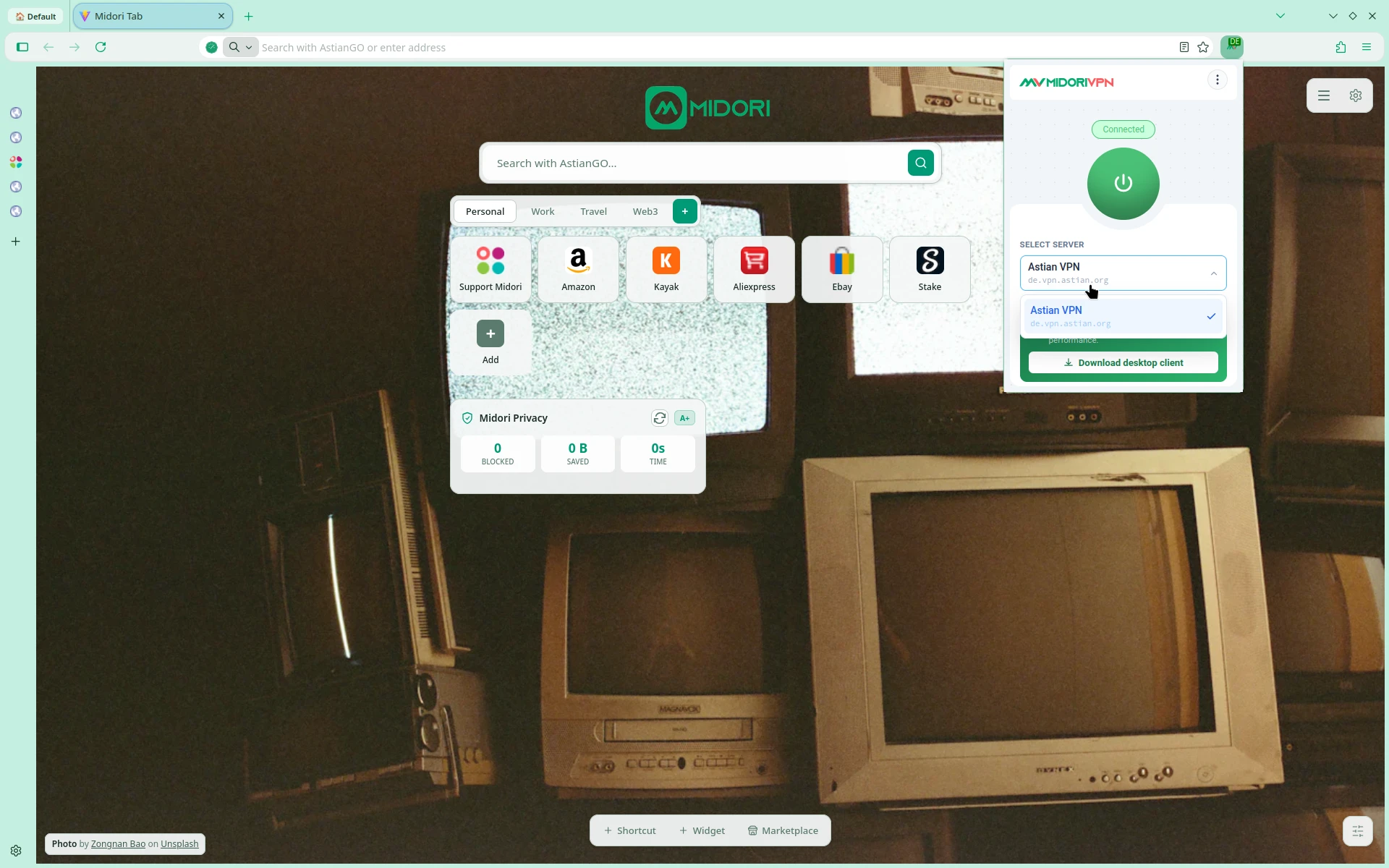
VPN browsing improvements have arrived, enhancing stability. Users can now enjoy a faster and more stable connection with multiple services. Official MidoriVPN client for Linux, Windows, and macOS is now available for download from https://vpn.astian.org. We are looking to expand our network of locations in order to offer excellent service, the next locations will be in Germany and Finland.
- Improvements performance, and diagnostic server.
New Tab Improvements
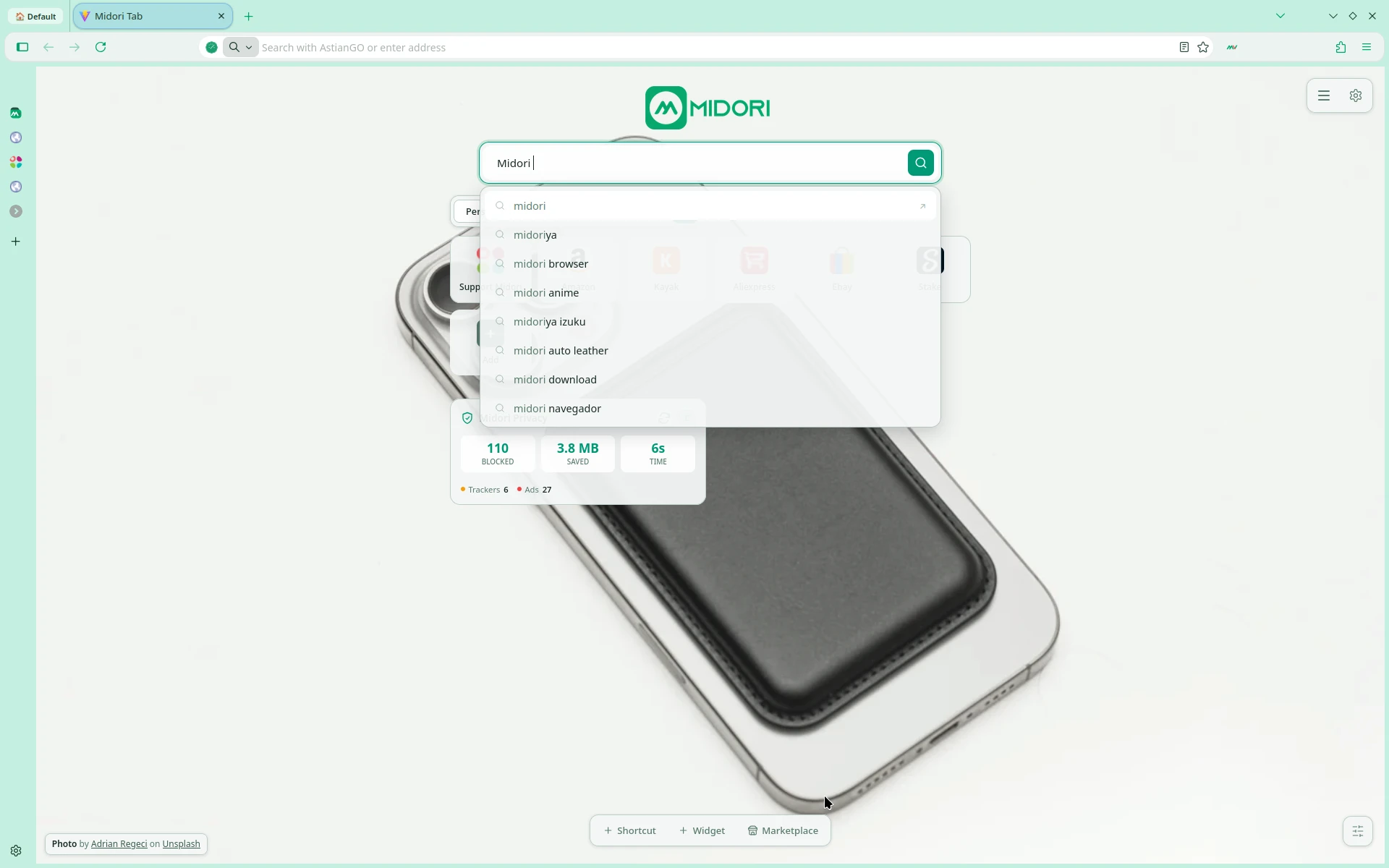
- The user now has the freedom to freely modify the default bookmarks and these will be permanently saved in the browser using better synchronization with local storage.
- We improved location detection for the weather widgets.
- Performance improvements to make the New Tab faster and more secure.
- New design line consistent with the design of the Midori Browser.
- Improvements across the entire list of major languages in the New Tab.
Improvements to the adblocker (Midori Privacy)
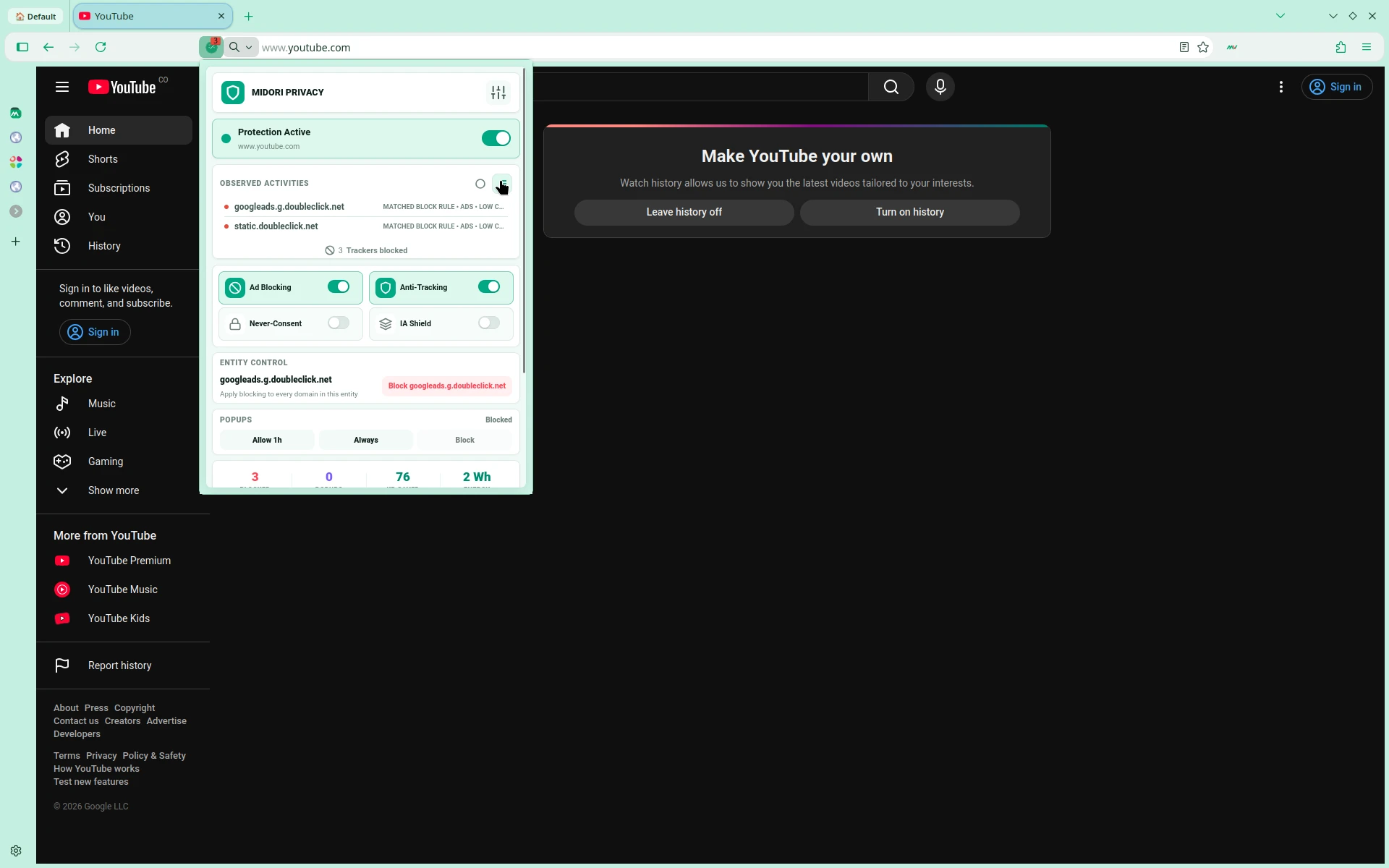
- New design line consistent with the design of Midori Browser and New Tab.
- Improvements to the heuristics for processing changes from Google and the major Big Ads Tech companies
- Improvements to the options page.
- Improvements to streaming platforms.
Improvements in stability and performance
- Fixed a crash experienced by users with Intel Raptor Lake CPUs.
- Fixed an issue on Windows where some websites using WebSerial to flash device firmware could fail unexpectedly.
- Fixed an issue where adding another tab to an existing Split View could unexpectedly close it.
- Fixed an issue where Split View would close instead of switching tabs when using the “Switch to Tab” option from the address bar.
- Fixed a crash on Windows that occurred when using the Sogou input method to type Simplified Chinese.
- Fixed an issue where Firefox stopped caching new content once the disk cache was full, causing pages and resources to be re-downloaded from the network on every visit.
- Fixed an issue where some websites could render incorrectly or fail to load when they used JavaScript to insert WebKit-specific style rules.
- Fixed an issue where clicking and selecting text in some input fields and text areas did not work on pages that styled them with certain CSS rules.
- Fixed an issue where the up and down buttons on number input fields could overlap and hide the value when sites sized the field to fit its contents.
- Fixed an issue where sorting strings that include numbers could produce an incorrect order on some websites and web applications.
- Fixed an issue where dropdown menus would not open for
<select>elements created inside an iframe and then moved into the parent page. - Fixed an issue where selecting or pasting text in a text field inside a table cell could disrupt the page layout.
- Improvements to permission notifications.
Improvements General
- Fixed problem with locales.
- Fixed problem with IA Controls.
- Fixed problem with center.
- New styles.
- Fixed workspaces restore.
- Fixed Tab counts on the workspace.
- Fixed multi-tab send action on the workspaces.
- We updated the Dawn version in preparation for the new version of Midori.